 FocusFit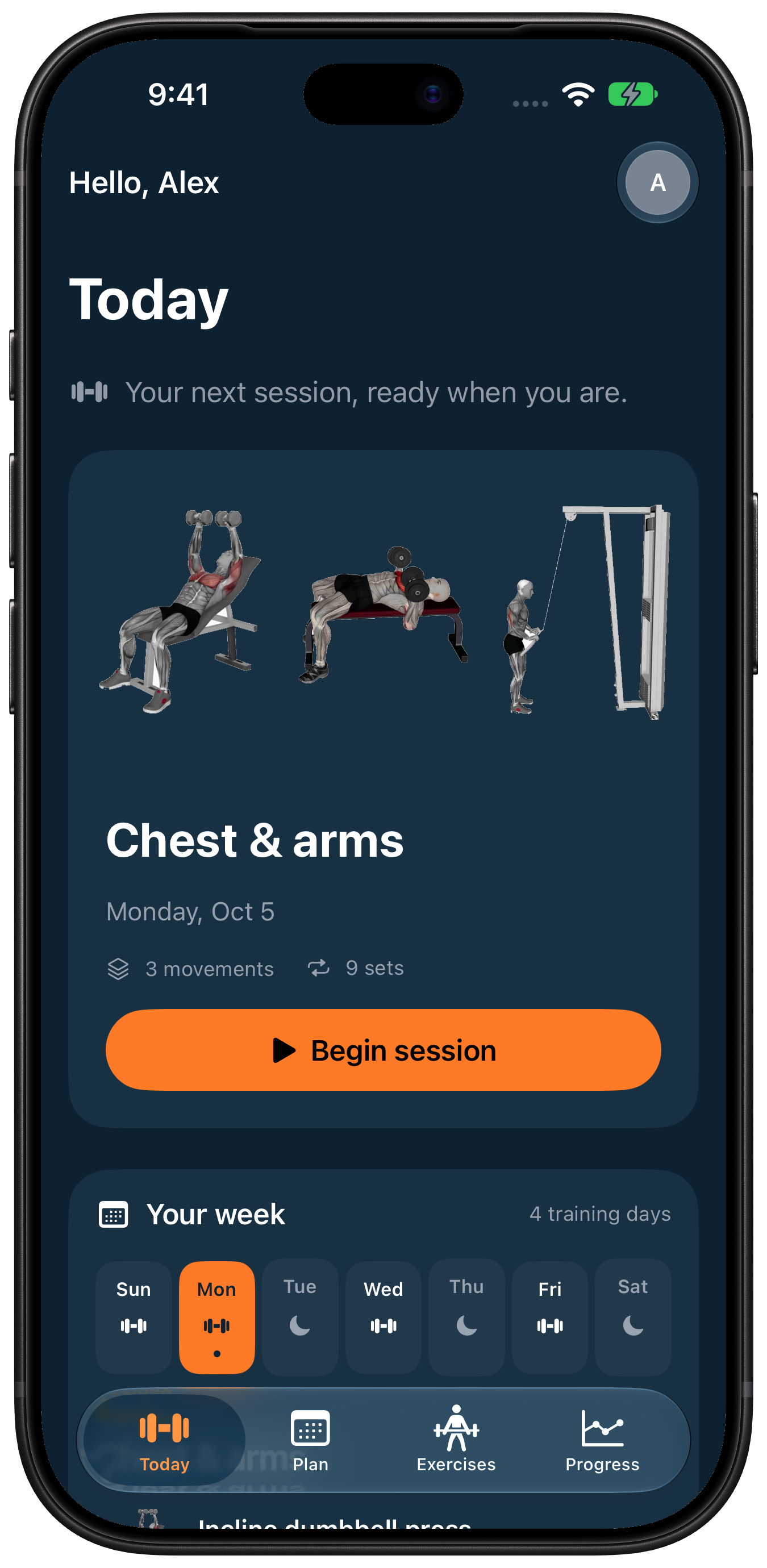
What can we help with?
Start with a plan that fits your week.
Premium & billingRestore access or manage your subscription.
Your dataPrivacy choices and account deletion.
A few useful answers
Getting started
Sign in with Apple is optional. Complete your profile, goal, experience, muscle priorities, equipment and available training days. The final AI request is optional. Tap Build my plan to continue.
Workouts
Open Today and choose a movement. Review the demonstration, enter weight/reps, start and save each set, then follow the rest countdown. Your progress stays saved when switching screens.
Premium and cancellation
Premium is available monthly or yearly through Apple. Current prices and billing periods appear before purchase. To restore access, use Restore purchases in the paywall or profile > Subscriptions & cancellation. To cancel renewal, open Apple subscription settings, select FocusFit and cancel. Cancellation stops renewal; access normally continues until the paid period ends.
Account deletion
Open the profile icon on Today, then Delete data and account. Read the deletion details and confirm. Full deletion instructions / วิธีลบโดยละเอียด
Health and AI
Apple Health connection is optional. Plan coach offers OpenAI online coaching after explicit consent, or on-device coaching on supported devices. Health records are not sent to OpenAI. Movement lookup remains available offline. Review AI-generated drafts before applying them.
Still need a hand?
Tell us what happened. Include your app and iOS versions.
Please don’t send passwords, payment details or unnecessary health information.